 iTVD
iTVD
Threads Image & Photo Downloader
Threads is full of photography worth keeping: travel shots, artwork, product images, portraits, and graphics posted by creators you follow. The app gives you ways to share a post, but saving the actual full-size image files to your phone or computer is not built in. This free Threads image downloader closes that gap for any public post.
The process is short. Copy the link to a public Threads post, paste it into the box above, and the downloader reads the post to find the image files publicly attached to it. Every image is previewed before you download, and you choose only the pictures you want rather than being forced to grab everything at once.
Photos come out as JPEG files in the quality Threads serves for that post, with no compression pass of our own, no cropping, and no watermark added. Only public posts are read, no login is requested, and the tool never touches private accounts or follower-only content. Photographers use it to keep references, designers save inspirations, and casual users simply hold onto pictures they like.
Because the tool keeps the same workflow for photos as for videos, everything you already know about copying links and previewing posts applies here with zero new steps to learn.
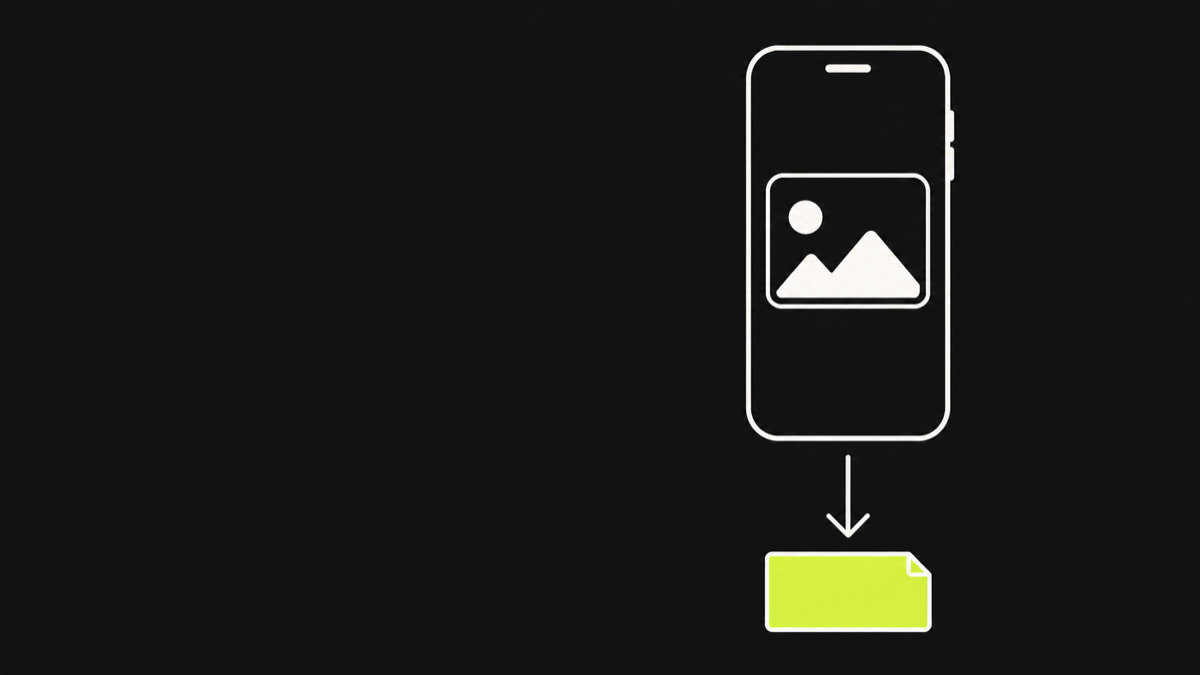
How the image downloader works
The flow mirrors the video downloader so there is nothing new to learn. Open a public Threads post, tap the share button, and choose Copy link. Return to this page, paste the link into the field, and press the download button. The server reads the public post page and identifies the image files attached to that exact post.
Every image is shown as a preview card with its file name, so you can check that you are saving the right photo before anything is downloaded. Each image has its own download button: you take only the shots you need and leave the rest behind.
Extraction is scoped to the single post you supplied. The tool does not harvest images from the recommendations that surround a post on the Threads page, and it never offers media from other people's accounts. What you see is what that one public post published.
Working with a post that contains both photos and video is equally straightforward. The images appear as cards alongside any video, each with its own button, so the tool handles mixed posts as naturally as it handles a single photo.
The previews also load quickly because the tool reads the post's own metadata rather than downloading every image before showing them. You can browse a full gallery at a glance and pick the few shots worth keeping. That speed keeps the workflow light even for posts packed with pictures. Working from a link rather than a login also means there is no session to expire and no state to reset between posts.
JPEG output and what original quality means
Images on Threads are served as JPEG files, and that is the format you receive. The downloader does not recompress, resize, or convert anything. The bytes that reach your device are the same bytes Threads serves for that post, which is the closest you can get to the source file without asking the creator.
When the tool says original quality, it means original to Threads, not original to the creator's camera roll. The platform may have processed the upload for web delivery before you ever see it, and the downloader cannot undo that step. What it can do, and always does, is avoid adding a second round of degradation on top.
If a photo is served at a modest resolution because the upload was small, the download saves that resolution. The benefit you get is fidelity: the picture you keep matches exactly what the public post displays.
That matters for detail-heavy images such as text graphics and product shots, where an extra compression pass can soften edges and muddy small type. Because the file is never reprocessed, what you open on your device is identical to what the post shows, sharp edges and fine details included.
People sometimes expect a higher resolution than the platform provides, and this page is upfront about that limit. If you need the true original file, the only guaranteed way is to ask the creator directly. The downloader gives you the best available copy, which for most photos is more than enough for personal use.
Downloading one image from a multi-image post
Threads posts often contain several photos in a single post. When you resolve such a post, every image attached to it is listed as a separate item with its own preview and download button. You can download one, a few, or all of them without affecting the others.
This per-image control is a deliberate design choice. A lot of download tools bundle everything into a single archive, which forces you to take files you did not want and then sort through them afterwards. Here each photo stands alone, and the file names make it easy to tell which shot is which.
The same behavior applies to mixed posts that combine images and video. Pictures and clips are listed side by side, each downloadable on its own. If you only want the second photo from a five-item post, you get exactly that photo and nothing else.
The order of the items matches the order the post displays them, so the first card corresponds to the first image you see when you open the post. That makes picking out a specific photo from a gallery quick and dependable.
The same independence applies to re-downloads. If one image fails or you delete it by accident, you resolve the post again and grab just that one file. Nothing forces you to redo the whole post, and the fresh signed links last for another 15 minutes. Re-downloading a single file never disturbs the others, and each new resolve brings a fresh set of working links in seconds.
Saving Threads photos on iPhone, Android, and desktop
On an iPhone, the downloaded JPEG appears in the Files app. Long-press the file and choose Save Image to move it into Photos, where it behaves like any other picture. The whole flow runs in Safari with nothing installed.
On Android, the photo saves directly to the Downloads folder and usually appears in the gallery automatically. If it does not show up right away, open your Files or Downloads app, locate the file, and move it wherever you keep your pictures.
On a computer, the JPEG lands in the standard downloads folder, where it can be viewed, edited, or uploaded anywhere. Because the downloader is a web page rather than an app, the same link works on every device, and your saved files are plain JPEGs with no special player or container required.
A single downloaded photo can then be used like any file on that device: attached to an email, dropped into a document, printed, or edited in the standard tools. Nothing about the file marks it as downloaded, and no watermark or frame is ever added.
Photo downloads behave like any file on the device: they open in the default viewer, appear in the share sheet, and can be used in documents and messages without any conversion. The JPEG format is universally supported, which is one more reason nothing special needs to be installed. When you save an image, the workflow is the same on every platform, and the resulting file is always ready to use. One flow, everywhere.
When a post returns no images
Not every Threads post contains downloadable photos. Text-only updates carry no media, and some posts show only a small thumbnail generated from a shared link. That thumbnail is not the post's own image, so the downloader ignores it and reports that no downloadable media was found.
Deleted posts and posts from private accounts also return no results. If the post was removed after you copied the link, the downloader cannot recover it, and there is no cached copy stored on our side to fall back on.
When you see the no media message, the practical fixes are to double-check that the post really is public, confirm the link was copied from the post itself rather than from a search result, and make sure the account that posted the content has not gone private or removed the post since you copied it.
If the post does contain photos but still returns nothing, copy the link once more from inside the post and retry. A stale clipboard entry, such as an old link that no longer points at the post, is a common and easily fixed cause of a failed resolve.
A retry after the account or post changes is always worth trying, because public status can flip back. If the creator restores a deleted post or opens a private account, the same link starts resolving normally again. The downloader never caches old results, so every resolve reads the current state of the post and reflects it honestly. That also means you never get a stale file from a version of the post that no longer exists.
Frequently asked questions
Can this downloader save photos from Threads?
Yes. It reads public Threads posts and lists every image attached to them. Each photo has its own preview and download button, and every download saves as a JPEG file. Public posts with real attached photos are the only boundary, and every image appears with its own preview. The list mirrors the live post on every resolve. The list always mirrors the live post.
Will downloaded photos lose quality?
The downloader never recompresses or re-encodes. You receive the photo at the quality Threads serves for that post. If the platform already processed the upload for the web, that is the ceiling, and nothing here lowers it further. If you need the true source file, asking the creator directly is the only guaranteed route. The pass-through file is the platform copy, untouched.
What format are downloaded images saved in?
Every image is saved as a JPEG file, matching the format Threads serves. No conversion happens in the downloader, so the file type and quality come from the post itself. A JPEG opens everywhere, which is why no special viewer or app is ever required on any device. Every JPEG opens in the default viewer with no setup. No conversion ever happens in the tool.
Can I download just one photo from a post with several?
Yes. Every image in a multi-photo post is listed as a separate item with its own download button. Take only the photos you want and leave the rest. The rest of the post stays untouched, so a large gallery never forces extra files onto your phone. Per-item buttons make a big gallery easy to handle. The rest of the post simply stays put.
Do I need an account to download images?
No. The tool reads public posts without any login. It never asks for a Threads account, does not store credentials, and works the same for everyone who pastes a public link. Every visit is the same: paste a link, see the photos, and download the ones you choose. No profile means no history and nothing to manage. There is nothing to set up at all.
Why can I not download an image from this post?
The post may be text-only, the image may only be a link-preview thumbnail, or the post may be private, follower-only, or deleted. Public posts with real attached photos resolve and download normally. Copy the link again from the post itself and confirm the account is public before you retry. Re-copying from the post itself resolves most cases. Re-check the link first, then retry.
Will a watermark be added to the photos?
No. Files are passed through exactly as Threads serves them. Nothing is added, cropped, or overlaid on any image you download, so the picture matches what the post shows. The picture you save is exactly the picture the post displays, with no overlay of any kind. The saved file matches the post exactly, nothing more. That is the whole promise of the tool.
Where do saved photos go on my phone?
On iPhone they land in the Files app, then a long press and Save Image moves them into Photos. On Android they save to the Downloads folder and usually appear in the gallery right away. The file name matches the media name, which makes finding the right photo quick and easy. Moving them once puts them beside your other pictures.
Also in Español · Deutsch · Français · Português · हिन्दी · Bahasa Indonesia · 日本語 · 한국어 · 简体中文 · العربية